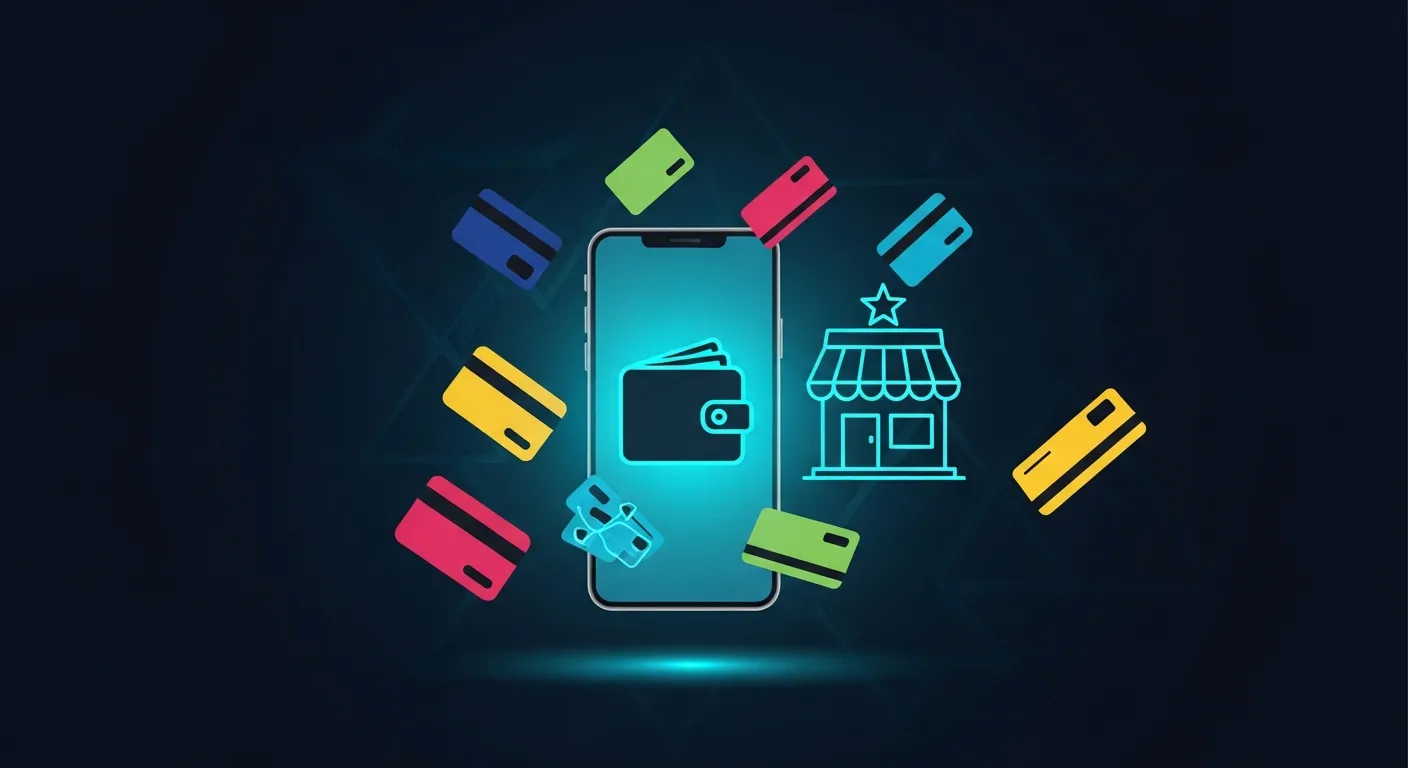
Your regular customers are already carrying their loyalty card. It's on their phone, sitting right next to their boarding passes and credit cards in Apple Wallet. They don't need to download anything, create an account, or remember to bring a physical card. When they walk into your shop, they just tap or show their screen.
That's the core idea behind Apple Wallet loyalty cards, and it's why more local businesses are moving away from paper punch cards and standalone apps. This guide covers how the technology works, what the experience looks like from the customer's side, and what you need to do to get one running.
What Apple Wallet actually is (and isn't)
Apple Wallet is a built-in iPhone app that stores passes: boarding passes, event tickets, transit cards, and loyalty cards. It ships on every iPhone and requires no setup from the customer beyond adding a card. No separate loyalty app to download, no password to remember, no account to create.
This matters because friction kills loyalty programs. The more steps between a customer and their reward, the less likely they are to participate. A card that lives in Apple Wallet removes almost all of that friction.
Apple Wallet is not a payment system for loyalty purposes. Your customers aren't paying through it (unless they're using Apple Pay separately). The loyalty card in Wallet is a pass, a digital card that tracks stamps, points, membership status, or whatever reward structure you've built.
How the cards actually work, step by step
Getting the card onto the customer's phone
When a customer signs up for your loyalty program, they receive a link. This might come through a QR code on your counter, a text message, an email, or a link on your website. They tap the link on their iPhone, Apple Wallet prompts them to add the pass, and two taps later it's done.
The card now lives in their Wallet alongside everything else. It appears on their lock screen when they're near your location, a feature called location-based notifications. You didn't have to text them or run an ad. Their phone reminded them you exist.
Stamping and updating the card
When a customer makes a purchase, you stamp their card. Depending on how your system is set up, this might mean scanning a QR code on their phone with your device, or having them scan a code at your counter. The stamp registers and the card updates in real time. The customer sees their progress change without refreshing anything.
That's one of the biggest differences from a paper punch card. There's no card to forget at home, no risk of someone stamping their own card, and no argument about whether they've earned their reward. The record is digital and tied to their phone.
Redeeming a reward
When a customer hits the stamp threshold, their card updates to show the reward is ready. They show it at the counter, you mark it redeemed, and the card resets for the next cycle. Some setups let you automate the redemption trigger so the customer gets a notification the moment they qualify.
Why customers prefer it over paper cards and standalone apps
The honest answer is convenience. Most customers have lost a paper punch card at least once. Many have downloaded a coffee shop's app, used it twice, and deleted it to free up storage. Apple Wallet cards avoid both problems.
The card is always with them because their phone is always with them. It doesn't require a separate login. It doesn't take up meaningful storage space. And because it surfaces on the lock screen near your location, it's a passive reminder to stop in, without feeling like a push notification from an app they forgot they installed.
According to Marketing Metrics (Paul Farris et al.), the probability of selling to an existing customer is 60-70%, compared to 5-20% for a new prospect. A loyalty card that customers actually keep and use is one of the most direct ways to act on that gap.
What types of loyalty cards work in Apple Wallet
Not every business needs the same reward structure. Apple Wallet supports several pass formats, and the right one depends on how your business operates.
| Card type | Best for | How it works |
|---|---|---|
| Stamp card | Coffee shops, bakeries, sandwich counters | Customer earns a stamp per visit or purchase; hits threshold to unlock a free item |
| Reward card | Restaurants, retail, salons | Points accumulate per dollar spent; redeemed for discounts or free services |
| Membership card | Gyms, spas, studios | Proves active membership status; can show tier or expiry date |
| Cashback card | Retail, food trucks | Percentage of spend returned as credit toward future purchases |
| Multipass | Fitness studios, blow-dry bars | Pre-purchased sessions tracked on the card |
| Discount card | Any business with a regular discount offer | Shows a fixed discount the customer can apply at checkout |
| Coupon card | Seasonal promotions, new customer offers | Single-use or limited-use offer delivered directly to Wallet |
| Gift card | Any retail or service business | Stored value that depletes with each use |
You can read more about each format on the Loyally cards overview page if you want to compare them before deciding.
Choosing the right structure for your business
A coffee shop almost always does well with a stamp card. Buy nine, get the tenth free is simple, customers understand it immediately, and the reward cycle is short enough to feel motivating.
A salon or barbershop might get more from a reward card that accumulates points across services, since customers don't come in daily but spend more per visit. A gym is a natural fit for a membership card that doubles as proof of access.
The format matters because it shapes customer behavior. A stamp card rewards frequency. A points card rewards spend. A membership card rewards commitment. Pick the one that matches what you actually want more of.
Setting up an Apple Wallet loyalty card for your business
You don't need a developer or a technical background to do this. Platforms built for local businesses handle the pass creation, hosting, and updates. You configure the card's design (your logo, colors, reward rules), and the platform generates the shareable link or QR code.
Loyally.ai is built specifically for this. It covers stamp, reward, membership, cashback, multipass, discount, coupon, and gift cards, all living in Apple Wallet and Google Wallet with no app for customers to install. Every plan starts with a 14-day free trial, so you can test it with real customers before committing. Pricing starts at $17 per month, or $12 per month billed annually.
Setup typically takes less than an hour. You upload your logo, pick your colors, set your reward rules, and publish. The harder part is usually deciding on the reward structure, not the technical configuration.
Getting customers to add the card
The most effective moment to ask is right at the point of sale, when a customer is already engaged and happy. A small sign or QR code on your counter works well. Some businesses print it on receipts. Others send it in a follow-up text or email after a first visit.
Don't overthink the pitch. "We have a loyalty card that lives in your Apple Wallet, no app to download" is usually enough. Customers who've been burned by clunky loyalty apps respond well to that framing.
You can also link to your card signup from your website, your Instagram bio, or a Google Business post. The goal is to put the QR code or link anywhere a customer might see it before or after a visit.
What you can do with the card after customers add it
This is where digital cards genuinely outperform paper. Once a customer has your card in their Wallet, you can push updates to it.
You can change the reward offer for a slow month. You can add a limited-time bonus stamp promotion. You can update the card to reflect a new location or adjusted hours. The customer doesn't need to do anything. Their card just updates.
You can also send push notifications to cardholders, not through a third-party app, but directly through the Wallet pass. A message that appears on the lock screen when someone walks near your shop has a much higher chance of being seen than a marketing email.
According to Accenture, members of loyalty programs generate 12-18% more incremental revenue growth per year than non-members. The ability to nudge cardholders with timely, relevant messages is a big part of why that gap exists.
For a practical walkthrough of the customer-side experience, see How to Add Loyalty Cards to Apple Wallet.
Common mistakes to avoid
Making the reward too hard to reach. If customers need to visit 20 times before earning anything, most will give up before they get there. A shorter cycle with a modest reward outperforms a long cycle with a big one because customers can see progress quickly.
Not telling anyone about the card. A loyalty card no one knows about doesn't help. Train your staff to mention it. Put the QR code somewhere visible. Make it part of your standard checkout conversation for the first few weeks.
Choosing a reward that costs you too much. A free item after nine purchases needs to be priced so the margin across those nine visits covers the giveaway. Run the numbers before you launch. Loyally's loyalty calculator can help you think through the math.
Ignoring Google Wallet users. A meaningful portion of your customers use Android phones. A platform that issues passes for both Apple Wallet and Google Wallet means you're not leaving those customers out.
For more on building a program that actually drives repeat business, How Small Businesses Can Implement Loyalty Programs That Drive Sales covers the strategic side in more depth.
Frequently asked questions
Do customers need to download an app to use an Apple Wallet loyalty card?
No. Apple Wallet is built into every iPhone, so customers just tap a link or scan a QR code to add the card. There's nothing to download, and no account to create beyond what your loyalty platform requires.
Can I update the card after customers have already added it?
Yes. Digital passes in Apple Wallet update in real time. You can change the reward offer, push a promotion, or update business information, and the card in each customer's Wallet reflects the change automatically.
What if some of my customers have Android phones?
Most loyalty platforms that support Apple Wallet also support Google Wallet. Loyally.ai issues passes for both, so Android users get the same experience without a separate app.
How do I prevent customers from faking stamps or cheating the system?
Because the card is tied to a digital account and stamps are applied through your device (or a verified QR code), customers can't punch their own card. The record lives on the platform's server, not just on the customer's phone, so it can't be edited from their end.
Is this worth setting up for a very small business, like a one-person shop?
Yes, especially if you have regulars. The setup time is low, and even a simple stamp card gives you a reason to stay in touch with customers and a way to reward the people who already like you. According to Harvard Business Review, acquiring a new customer can cost five times more than retaining an existing one, so investing in the customers you already have is almost always the better use of limited time and money.