From blank card to busy counter, in five steps
No hardware, no plastic, no app for your customers to download — here's the whole journey, visualized.
STEP 01
Design your card in minutes
Pick a format — stamps, points, membership, cashback — and make it yours with 100+ professional templates in the card designer. Your logo, your colors, your reward rule. Most businesses go live in about 5 minutes.
- 8 card formats, all included
- 100+ templates or a blank canvas
- Your reward, your rule — buy 9 get 1, points per dollar, tiers
 Card designerTry it
Card type — all 8 included on every plan
Pick the mechanic that matches how your customers buy — you can run several cards at once.
Live preview

Espresso Club
Stamp card
7/10
Next reward
Free flat white
Powered by Loyally.ai
Updates as you design
Finish it in the real designer — freeThe real workflow: format, rule, live wallet preview
STEP 02
Share it everywhere
A QR code at the counter, a link in your Instagram bio, a text blast, or the auto-generated print-outs — customers enroll in seconds from wherever they meet you.
- QR at the counter or table
- Link for social, SMS and email
- Print-ready materials generated for every card
Join our loyalty club
Scan to get your card
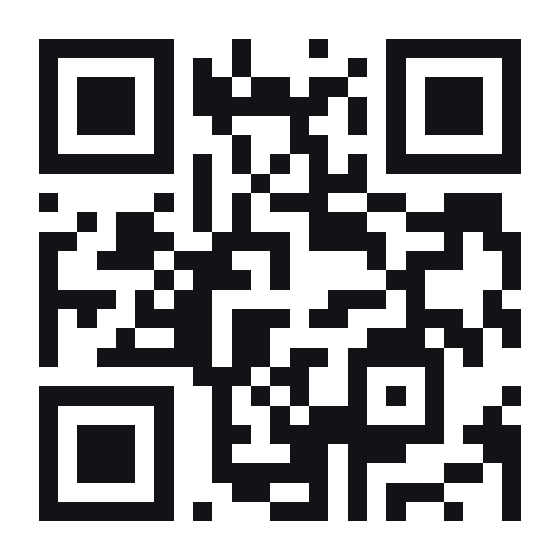
This one really works — try it
STEP 03
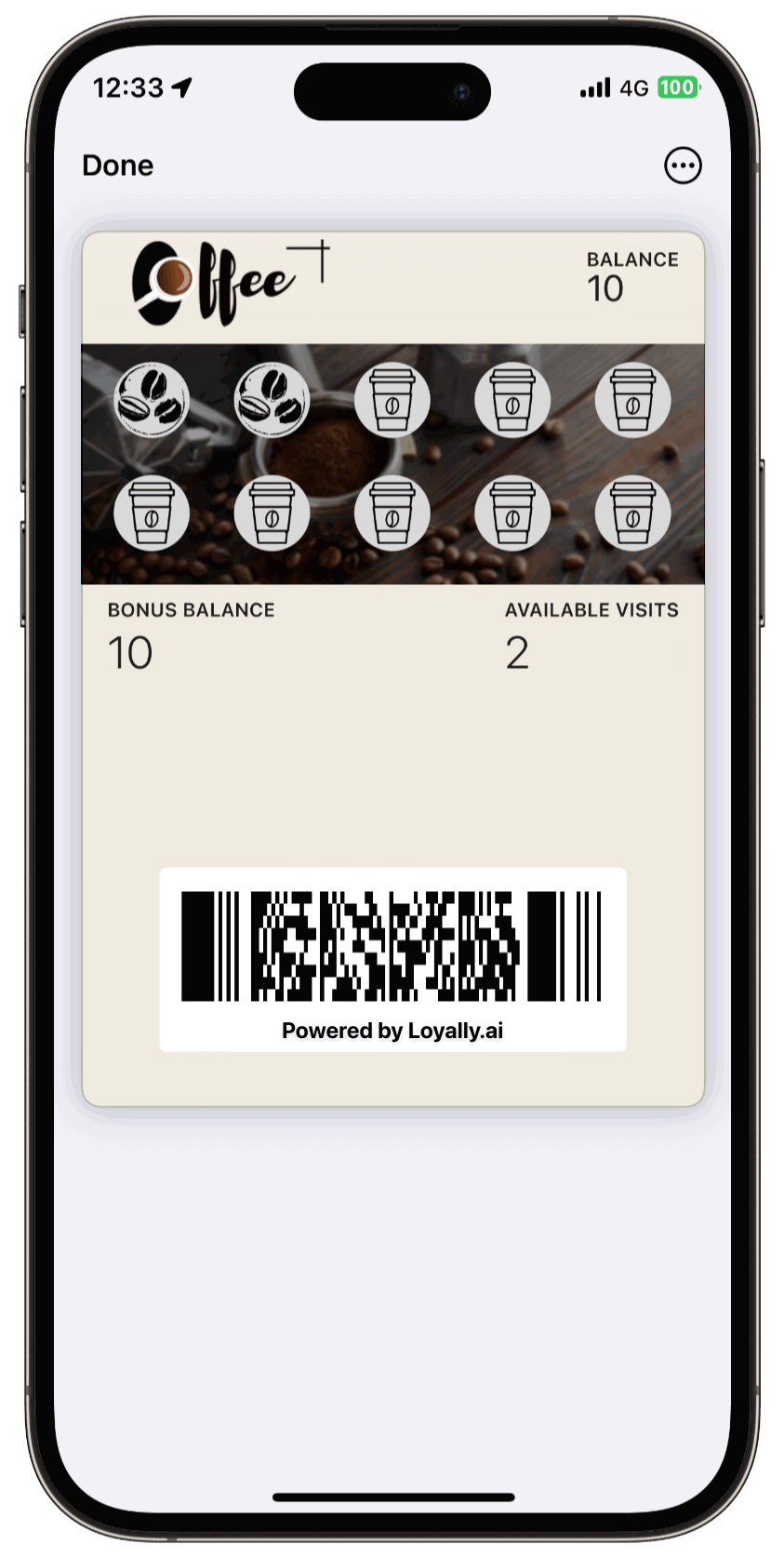
It lands in their wallet
One tap adds the card to Apple Wallet or Google Wallet — or it runs as a web app. No download, no signup friction, no card to forget in a drawer.
- Apple Wallet, Google Wallet or PWA
- No app for customers to download
- Live balance always visible on the card
STEP 04
Scan to stamp at the counter
Your staff scan the customer's card with the free scanner app on any phone. Stamps, points and redemptions land in under a second — and every scan becomes a visit in the CRM.
- Free scanner app, any phone
- No extra hardware
- Every visit tracked automatically

STEP 05
PUSH brings them back
Automatic reminders tied to milestones, inactivity and location land right on their lock screen — free and unlimited. The CRM segments your customers from real visit behavior, so the right offer reaches the right person.
- Free unlimited PUSH on every plan
- Geo-PUSH when they're nearby
- CRM segments from real behavior
Your 8th stamp is waiting9:41
One visit brings your free flat white closer.
You're around the corner12:06
Double stamps at Espresso Club until 5pm.
Reward unlocked17:32
Free flat white added to your card. Enjoy!
Auto-PUSH · Geo-PUSH · Milestones
The whole story
All five steps, in 45 seconds
Quick answers
Do my customers need to download an app?
No. Cards are added straight to Apple Wallet or Google Wallet, or work as a Progressive Web App (PWA) — the card lives on their phone, always one tap away.
Can I customize the loyalty cards for my business?
Yes — choose from 100+ ready-to-use card templates or create your own unique design in under 5 minutes. Colors, logo, stamps and rewards are all yours to control.
Can I send PUSH notifications to my customers?
Yes — PUSH notifications are free and unlimited on every plan. It's a cost-effective alternative to SMS that keeps your business on your customers' lock screens.
Your regulars are one card away.
Launch your digital rewards program today — design a card, share a QR, and watch repeat visits climb.
No credit card required · 14-day free trial · Free CRM & scanner included